
What Is a Good Bounce Rate? Benchmarks, Analysis, and Optimization Tactics
I've watched marketers panic over a 73% bounce rate on their blog while completely ignoring a 52% bounce rate on their pricing page. They had it exactly backwards. The blog was performing beautifully. The pricing page was bleeding revenue.
What Is a Good Bounce Rate? Benchmarks, Analysis, and Optimization Tactics
I've watched marketers panic over a 73% bounce rate on their blog while completely ignoring a 52% bounce rate on their pricing page. They had it exactly backwards. The blog was performing beautifully. The pricing page was bleeding revenue. This single misunderstanding about what constitutes a good bounce rate probably costs businesses more wasted optimization effort than any other analytics mistake I see.
The truth is, there's no single number that separates "good" from "bad." Bounce rate is entirely contextual. But context doesn't mean you can't set meaningful benchmarks and take action. You absolutely can. You just need to understand what you're actually measuring, why certain pages bounce higher than others, and where your optimization energy will produce real returns.
GA4 Changed the Definition (And Most People Missed It)
If you're still thinking about bounce rate the way you did under Universal Analytics, your mental model is broken. The GA4 bounce rate works fundamentally differently, and that distinction matters for every benchmark and optimization decision you'll make.
Under Universal Analytics, a bounce was any single-page session. Someone could read your entire 3,000-word article, spend eight minutes absorbing every detail, and leave satisfied. That counted as a bounce. It was a terrible metric for content sites.
GA4 fixed this. Now, bounce rate is the inverse of engagement rate. A session counts as "engaged" if any of these conditions are true: the user stays longer than 10 seconds, triggers a conversion event, or views two or more pages. If a session doesn't meet any of those thresholds, it's a bounce.
So if your site has 1,000 sessions and 320 of them are unengaged, your bounce rate is 32%, and your engagement rate is 68%. This is a much more honest picture of whether people are actually getting value from your content.
Here's the practical implication: your GA4 bounce rates will almost certainly be lower than your old Universal Analytics numbers for the same pages. If you're comparing current data against pre-GA4 baselines without adjusting for this definitional shift, you're drawing false conclusions. And as we've explored with how bad data quietly damages marketing ROI, those false conclusions compound into real budget misallocation.
The Benchmarks That Actually Matter
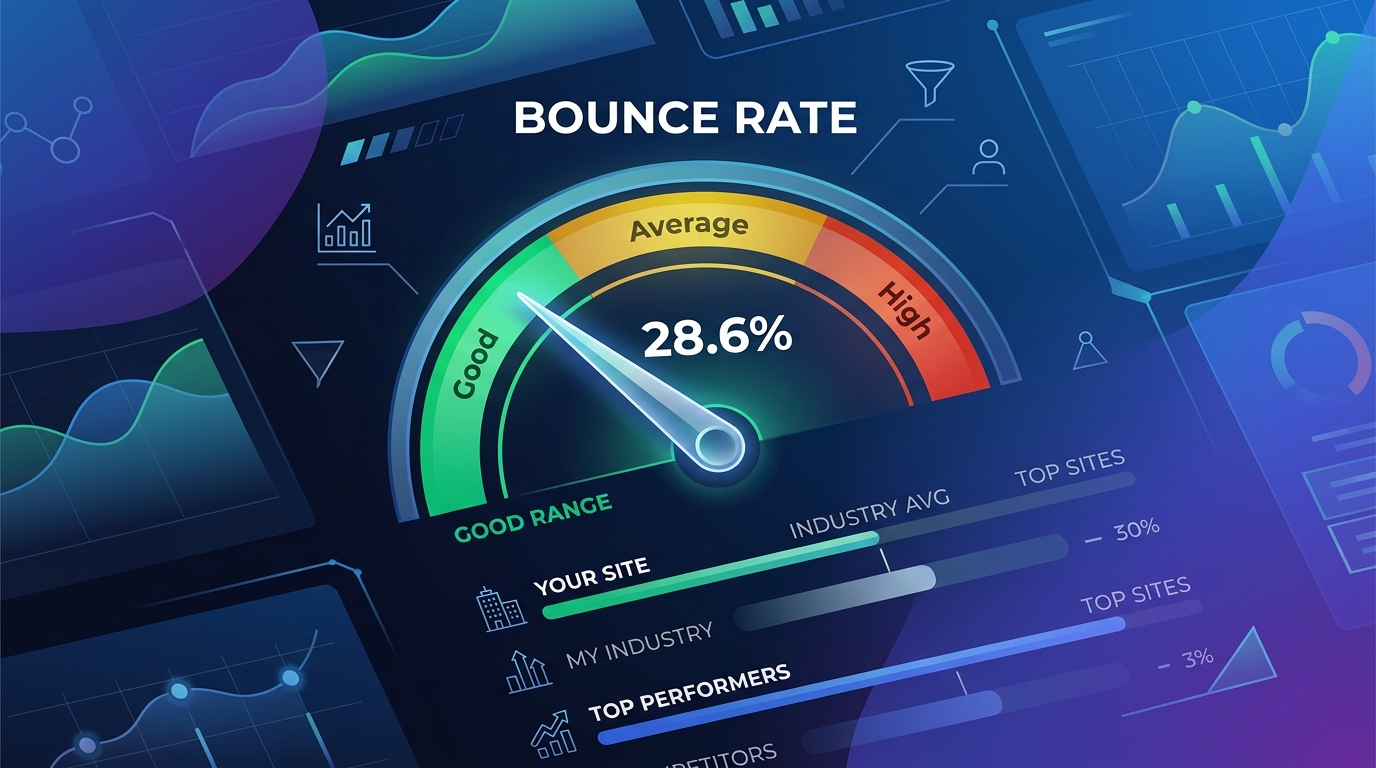
According to Leadpages' analysis of cross-industry data, the average bounce rate falls between 41% to 55% across all sectors. That's a useful starting point, but it's about as helpful as saying the average temperature on Earth is 59°F. Technically true, not particularly actionable.
Bounce rate benchmarks only become useful when you slice them by context. Here's what the data shows when you break it down properly.
By Website Type
E-commerce sites typically see bounce rates between 20% and 45%. That makes sense. Shoppers browse, click through product categories, compare items. The entire user experience encourages multi-page sessions.
Blogs and content sites run between 70% and 90%. This isn't a failure. It's the nature of content consumption. Someone searches a question, finds your article, gets the answer, and leaves. As CXL's benchmark research points out, even blogs that do a fantastic job with internal linking still carry relatively high bounce rates because the fundamental user intent is informational.
SaaS sites land between 35% and 55%. B2B sites are similar, ranging from 30% to 55%. Service businesses can go as low as 15% if their navigation and messaging are tight.
Landing pages are the wild card, swinging anywhere from 60% to 90%. But a landing page with a high bounce rate and a strong conversion rate is doing its job perfectly. It exists to drive one specific action, not to generate pageviews.
By Traffic Source
This is where things get really diagnostic. A high bounce rate on paid social traffic may indicate poor ad targeting, while a high organic bounce could signal weak content alignment. Same metric, completely different causes, completely different fixes.
Paid traffic tends to bounce around 62%, which should worry you because you're paying for every one of those sessions. Email traffic averages roughly 61%, which suggests landing page mismatches with the email's promise. Organic search varies wildly by query intent, but informational queries naturally bounce higher than transactional ones.
Social media traffic often carries the highest bounce rates because the user's mindset is casual. They're scrolling, they click something interesting, they get the gist, they go back to scrolling. That's not necessarily a problem unless your goal for that traffic is deep engagement.
By Device
Mobile bounce rates run 10% to 20% higher than desktop. Slower connections, smaller screens, and frustrating tap targets all contribute. If your mobile bounce rate significantly exceeds your desktop rate, that's a clear signal your mobile experience needs work. We've covered why mobile performance deserves its own dedicated audit, and bounce rate gaps between devices are exactly the kind of signal that audit should surface.
Why Site-Wide Bounce Rate Is Almost Useless
I'm going to say something that might sound extreme: stop looking at your site-wide bounce rate. I mean it.
Your site-wide number averages together pages with completely different purposes. Your homepage, your blog posts, your product pages, your contact page, your checkout flow. Averaging the bounce rates of all these pages together gives you a number that describes nothing meaningful about any of them.
Instead, analyze bounce rate at the page-type level. Group your pages by function: blog content, product pages, landing pages, utility pages (contact, about, FAQ). Set benchmarks for each group independently. A 75% bounce rate on your blog is probably fine. A 75% bounce rate on your product pages is a five-alarm fire.
Then go one level deeper: analyze individual pages within each group that deviate significantly from the group average. A blog post bouncing at 92% when your blog average is 74% deserves investigation. A product page bouncing at 60% when similar products average 35% is screaming for attention.
This page-level analysis is where bounce rate transforms from a vanity metric into a genuine diagnostic tool. As Semrush notes in their breakdown, bounce rate helps you identify pages that fall short on user experience, search intent alignment, or content usefulness. But only when you look at it with granularity.
Optimization Tactics That Move the Needle
Alright, you've identified pages where the bounce rate is genuinely problematic. Now what? Here are the tactics I've seen produce measurable results, ordered by typical impact.
1. Fix Intent Mismatches First
The single biggest driver of unnecessary bounces is a disconnect between what the user expected and what they found. This happens when your title tag promises one thing and your page delivers another. It happens when you rank for a keyword that implies a different content format than what you've published.
Audit your high-bounce pages by actually searching the queries that drive traffic to them. Look at what else ranks. Does your page match the format and depth that searchers clearly want? If everyone else is providing comparison tables and you've written an essay, the format mismatch will bounce visitors regardless of how good your prose is. This kind of strategic alignment between content and search intent is becoming non-negotiable.
2. Speed Up Your Pages
Google's data shows that a one-second delay in page load increases bounce probability by 32%. Aim for under three seconds, and ideally under two.
Compress images to under 200 KB using WebP format. Minimize render-blocking resources. Check your Core Web Vitals, specifically LCP (Largest Contentful Paint), because that's what the user perceives as "loaded." If your LCP exceeds 2.5 seconds, you're losing people before they even see your content.
3. Restructure Your Above-the-Fold Content
You have roughly five seconds to convince someone they're in the right place. Your above-the-fold content needs to accomplish three things: confirm the visitor's intent, establish credibility, and give them a clear next step.
For blog posts, that means a headline that matches search intent, an opening paragraph that proves you'll answer their question, and a scannable structure they can see. For product pages, it means the product name, a clear image, the price, and an add-to-cart button, all visible without scrolling.
4. Improve Internal Linking
Every page should naturally guide visitors toward related content. This doesn't mean slapping a "Related Posts" widget at the bottom (nobody scrolls that far on a page they're about to bounce from). It means weaving contextual links into the body of your content, within the first few paragraphs and mid-article, where engagement is still high.
Your lead generation pages especially benefit from strategic internal linking because the path from awareness to conversion often requires multiple content touchpoints.
5. Use Adjusted Bounce Rate for Content Pages
If you run a content-heavy site, consider implementing a timed engagement event through Google Tag Manager. Setting a 30-second trigger that fires an engagement event gives you a more accurate picture of whether readers are actually consuming your content. It prevents genuinely engaged single-page readers from being misclassified as bounces.
6. Make Your CTAs Unmissable
Pages with vague or buried calls-to-action see 20% to 30% higher bounce rates. Your CTA doesn't need to be aggressive, but it does need to be visually obvious and contextually relevant. A product page CTA should be a clear purchase action. A blog post CTA might be a content upgrade, newsletter signup, or link to a related deep-dive. The tactics behind improving conversion rates apply directly here.
When a High Bounce Rate Is Actually Success
I want to end on this point because it's the one most people get wrong.
Some pages exist to answer a question and let the user move on. Your FAQ page, your contact information page, your store hours page. An 80% bounce rate on your "What time do you close?" page means people found the information they needed. That's a win.
Blog posts that rank for specific informational queries are similar. The user wanted to know how something works. You told them. They left informed and with a positive impression of your brand. The fact that they didn't click through to three other pages doesn't mean you failed. It means you succeeded at the thing they came for.
The metric to worry about isn't bounce rate in isolation. It's bounce rate combined with context. A high bounce rate plus short time-on-page plus a transactional query? That's a real problem. A high bounce rate plus long engagement time plus an informational query? That's a content page doing exactly what it should.
Stop chasing a universal "good" number. Start measuring bounce rate per page type, comparing against appropriate benchmarks, and focusing your bounce rate optimization energy on pages where bounces actually represent lost business value. That's the only approach that turns this metric from anxiety-inducing noise into something you can actually act on.

Sarah Chen
SEO strategist and web analytics expert with over 10 years of experience helping businesses improve their organic search visibility. Sarah covers keyword tracking, site audits, and data-driven growth strategies.
Explore more topics